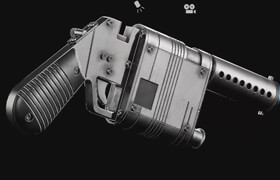
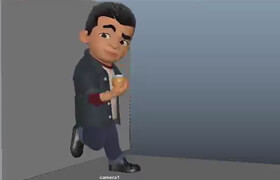
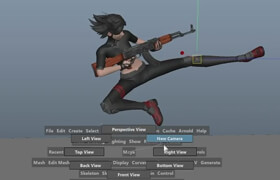
The Gnomon Workshop - Character Creation for Production
安东尼奥·莫苏卡 (Antonio Mossucca) 的 ZBrush、Maya、Marvelous Designer 和 Substance Painter 面向生产的角色创作教程。
学习如何将角色从 2D 概念设计到 3D 最终渲染,完整地呈现在观众面前。本次 8 小时的工作坊由安东尼奥·莫苏卡 (Antonio Mossucca) 主讲,他曾是 Scanline VFX、Framestore 和 Axis Studios 的视觉开发和角色艺术家,将分享他在顶级工作室工作期间积累的丰富经验和技能。
本工作坊面向所有希望深入了解拟人化角色/生物创作过程的人士,涵盖从最初构思和参考资料收集到最终渲染的各个环节。建议具备 ZBrush、Maya、Substance Painter 和 Arnold 的基础知识。
安东尼奥将首先介绍他准备 3D 角色项目的方法。随后,他将演示如何在 ZBrush 中进行头部和生物雕刻,指导如何使用 Marvelous Designer 创建逼真的服装,并讲解如何使用 Substance 3D Painter 为角色添加纹理。接下来,他将详细讲解如何使用 Arnold 渲染器渲染角色,最终生成作品集所需的图像。
如果您热爱角色和生物艺术,渴望提升技能,或者只是出于好奇想了解更多创作方法,本教程将为您提供关键的指导,助您提升 3D 角色/生物的创作水平。Antonio 将分享他的 ZBrush 用户界面和快捷键,以及可在 Photoshop 中使用的 Aces CG LUT 文件,还有他在 XGen 和 mGear 中用于角色绑定的实用脚本。
时长:8 小时 31 分钟
格式:高清 1920x1080
使用软件:
Marvelous Designer
Substance Painter
Maya
ZBrush
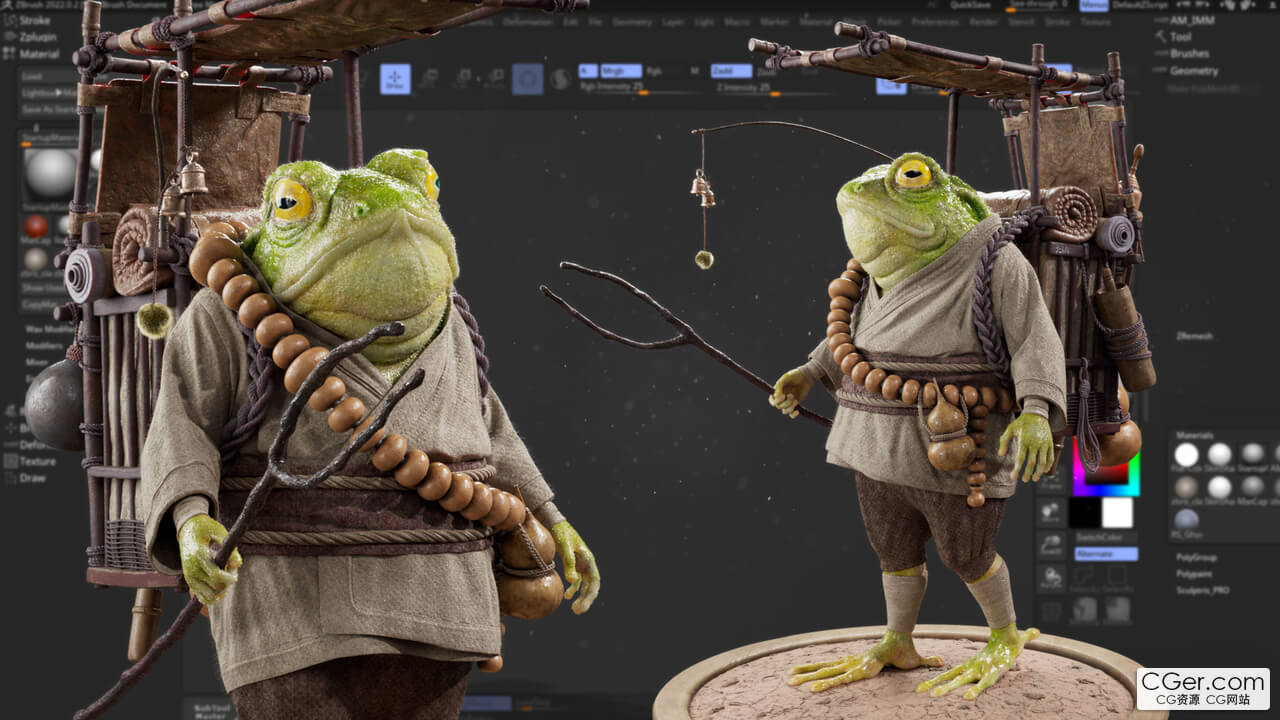
ZBrush, Maya, Marvelous Designer & Substance Painter Workflow with Antonio Mossucca
Learn the entire process of bringing a character to life from 2D concept to 3D final render. This 8-hour workshop by Antonio Mossucca, a lookdev and character artist for Scanline VFX, Framestore and Axis Studios, shares the culmination of his skills learned throughout his career working at top studios.
This workshop is intended for anyone who would like to gain a deeper understanding of how an anthropomorphic character/creature is created, from the initial ideation and reference gathering through to the final render. Foundational knowledge of ZBrush, Maya, Substance Painter, and Arnold is recommended.
Antonio kicks off this workshop with a look at his approach to preparing for a 3D character project. He then demonstrates head and creature sculpting in ZBrush, instructs on how to create realistic clothing using Marvelous Designer, and explains how to texture the character using Substance 3D Painter. He then walks through the process of rendering the character in Arnold to create the final images for a portfolio piece.
If you are passionate about character and creature art and want to know how to push your skills to the next level, or simply curious and want to learn more about how it’s done, this tutorial will provide essential insights to help you level up your 3D character/creature creation. Antonio provides his ZBrush User Interface and shortcuts as well as his Aces CG LUT files to use in Photoshop, plus the useful scripts he used in XGen and mGear for character rigging.
Duration: 8h 31m
Format: HD 1920x1080
Software Used
Marvelous Designer
Substance Painter
Maya
ZBrush
描述:
标签: maya 玛雅 zb 角色 建模 材质 渲染 教程分类:教程 > 3D教程 > Maya
发布:CGer | 查看: | 发表时间:2025/12/12 22:27:17 | 更新时间:2025/12/12 22:31:22
○ 充值或账号问题请【点击这里联系站长】 |


点击消耗 10 CG点(约 1.0 元)解锁 30个通用资源, 24小时内有效!(有效期内不重复扣点)



| 常见问题,点击查询: | ||
| ●CGer(Cg儿)资源下载帮助 | ||
| ●资源名词解释 | ||
| ●注册/登陆问题 | ||
| ●充值出错/修改密码/忘记密码 | ||
| ●充值赠送系统 | ||
| ●文件解压出错/解压密码 | ||
| ●Payment with Paypal | ||
| ●哪些资源会被列为付费资源 | ||
| ●为何要充值解锁 | ||
| ●免责条款 | ||
| ●联系站长(联系站长前请先仔细阅读 免责条款 ,网站只提供资源,不提供软件安装等服务!) | ||